
Installation Guide
IBO 4K TV service is compatible with all devices and IPTV applications. Please note that we provide the IPTV subscription, but not the apps. You are free to use any app of your choice. Below we recommend some apps you can use and we explain some of them in detail in our blog section. If one of the apps doesn’t work well for you, choose another. Some apps are paid, such as IBO Player Pro, while others are free. If you don’t know how to install an app, don’t hesitate to contact us via WhatsApp. We provide M3U playlists and Xtream Codes credentials for IPTV apps that require them, as well as portals for MAG boxes.
Apple (iPhone/iPad/Apple TV)
For Apple (iPhone/iPad/Apple TV): Please install one of the recommended iOS apps below:
- IPTV Smarters Lite (select Xtream Codes API)
- IPTV Smarters Pro (select Xtream Codes API)
- GSE IPTV (select Xtream Codes API)
After installing one of these apps, enter your information: Name, Username, Password, and URL. Then ADD a user.
If you choose IBO Player Pro:
Download the IBO Player Pro app.
Send us the codes displayed in the app so we can automatically install the playlist on your device.
For any help or questions, contact us on WhatsApp and our support team will help you with step-by-step installation.
Android (Smartphone/Tablet)
- Please download the app: HOT Player Pro
- Send us the codes displayed in the app “MAC Address and Key” so we can automatically install the playlist on your device.
Alternative Applications: If you prefer an alternative application, please download one of the following:
- HOT Player Pro
- IBO Player Pro
- IBO Player
- TiviMate IPTV Player
- Televizo – IPTV player
After downloading one of these alternative applications, send us the codes displayed in the app so we can automatically install the playlist on your device.
For any help or questions, contact us on WhatsApp and our support team will help you with step-by-step installation.
Smart TV/Android TV/Android Box
For Smart TVs (Samsung & LG) / Android (TV/Box/Phone):
- Please download the app: HOT Player Pro
- Send us the codes displayed in the app “MAC Address and Key” so we can automatically install the playlist on your device.
Alternative Applications: If you prefer an alternative application, please download one of the following:
- HOT Player Pro
- IBO Player Pro
- IBO Player
- TiviMate IPTV Player
- Televizo – IPTV player
After downloading one of these alternative applications, send us the codes displayed in the app so we can automatically install the playlist on your device.
For any help or questions, contact us on WhatsApp and our support team will help you with step-by-step installation.
FIRESTICK
I. Installing the Downloader App
- From your Firestick home screen, go to the (Search) section
- Search for “Downloader” and choose the app from the results list
- Click “Download” to install Downloader on your Firestick
- Once installation is complete, return to the home screen
II. Enable Unknown Sources
- Go to (Settings) on your Firestick, and select “My Fire TV”
- Click on (About) and press “Fire TV Stick” seven times to activate “Developer Options”
- Click Back on the remote and select “Developer Options”
- Click on “Install Unknown Apps” (Install apps from unknown sources)
- Enable unknown sources for the Downloader app
III. Installing the HOT Player Pro App
- Launch Downloader and click on the URL bar
- Type the code 395800 and click “Go”. The HOT Player Pro download will start automatically
- After the download is complete, click “Install” to install the app
- When installation is complete, you’ll see the message “Ready to launch!”
- Send us the codes displayed in the app “MAC Address and Key” so we can automatically install the playlist on your device
For any help or questions, contact us on WhatsApp and our support team will help you with step-by-step installation.
PC (Windows)
Please download the IPTV Smarters Pro software and enter the XTREAM CODE information:
Download: https://www.iptvsmarters.com/IPTVSmartersPro-Setup-1.1.1.exe
Enter your information: Name, Username, Password, and URL. ADD a user.
For any help or questions, contact us on WhatsApp and our support team will help you with step-by-step installation.
MAG (Set-Top Box)
To connect the MAG device to your TV and internet and set it up, follow these steps:
- Connect the MAG device to your TV and make sure it’s connected to the internet
- Access the device settings by going to: Settings → System Settings → Servers → Portals
- Configure Portal 1: IPTV
- Enter the URL for Portal 1 (check your email for this information)
- Leave the name for Portal 2 blank
- Save all settings
- Restart the MAG device
After the device restarts, wait for the TV screen to display the channels.
For any help or questions, contact us on WhatsApp and our support team will help you with step-by-step installation.
Outros Dispositivos
We set up all devices, just send us a message on WhatsApp and we’ll configure it with you!
For any help or questions, contact us on WhatsApp and our support team will help you with step-by-step installation.
Choose your IPTV Plan Today
Access thousands of free-to-air channels in HD/4K, from every country and thousands of Movies and TV Shows.
Choose your Language


Accounts
Free Trial
Projects
SSL
Storage
Domains
Sub-domains
1 MONTH
€10
ONE TIME FEE
+26000 CHANNELS
+13900 MOVIES
+24000 SERIES
SD/HD/FULLHD/4K
NETFLIX, HULU, HBO, DISNEY & MORE...
M3U / XTREAM / CODE
24/7 TECHNICAL SUPPORT
3 MONTHS
€20
ONE TIME FEE
+26000 CHANNELS
+13900 MOVIES
+24000 SERIES
SD/HD/FULLHD/4K
NETFLIX, HULU, HBO, DISNEY & MORE...
M3U / XTREAM / CODE
24/7 TECHNICAL SUPPORT
6 MONTHS
€30
ONE TIME FEE
+26000 CHANNELS
+13900 MOVIES
+24000 SERIES
SD/HD/FULLHD/4K
NETFLIX, HULU, HBO, DISNEY & MORE...
M3U / XTREAM / CODE
24/7 TECHNICAL SUPPORT
12 MONTHS
€50
ONE TIME FEE
+26000 CHANNELS
+13900 MOVIES
+24000 SERIES
SD/HD/FULLHD/4K
NETFLIX, HULU, HBO, DISNEY & MORE...
M3U / XTREAM / CODE
24/7 TECHNICAL SUPPORT


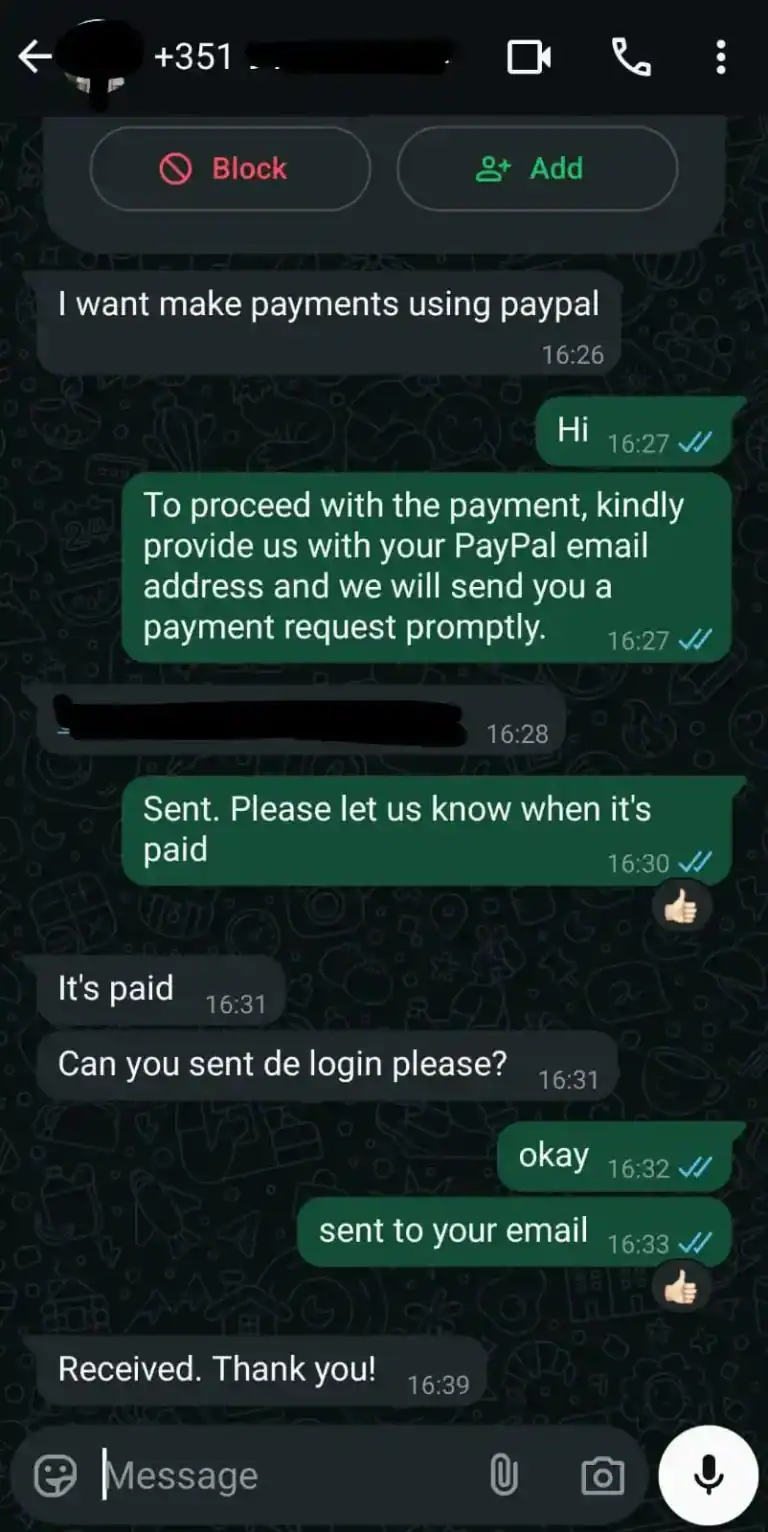
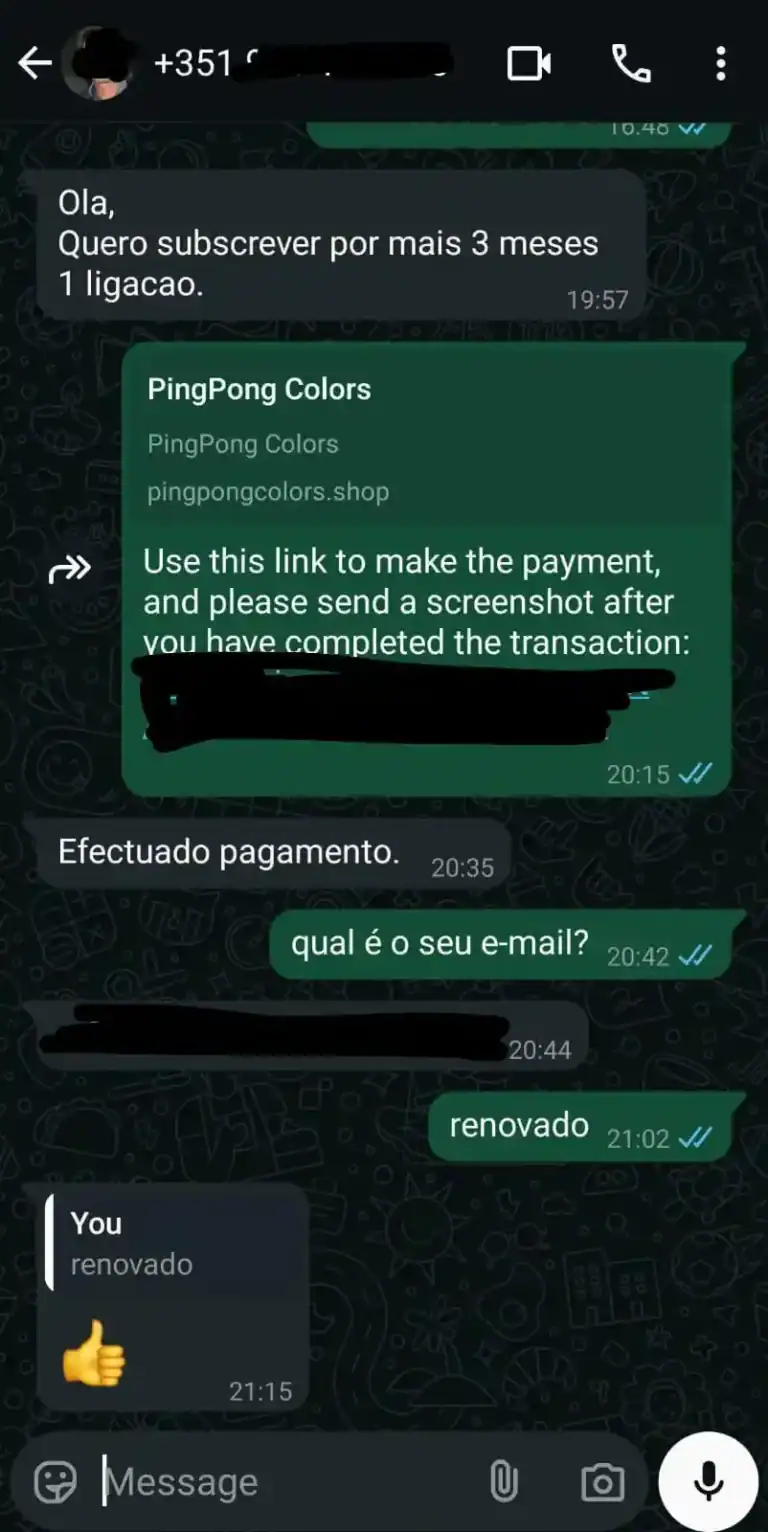
Reviews about IBO 4K TV
Live Channels and On-Demand Content
IBO 4K TV offers over 25,000 live channels organized by country, including premium sports channels, the Champions League, and Worldwide news and cultural channels. Enjoy a vast library of movies and series subtitled in multiple languages all in HD/4K quality. The Nomad TV is compatible with Smart TVs ,Smartphone, Laptops and all devices.

















Satisfied or Refunded
We are confident in our service. If you are not completely satisfied, we will refund your money – no questions asked.
24/7 VIP Support
Our experienced support team is available 24 hours a day to assist you and resolve all your issues quickly and professionally.
Immediate Activation
After payment you have immediate access to our service. No waiting time – start streaming now.
How to Set Up IBO 4K TV in a Few Minutes
Installing IBO 4K TV is very simple and allows quick access to high-quality streaming entertainment. The setup process begins with choosing a suitable subscription Plan, after which you will immediately receive your access details. After easily installing IBO 4K TV app on your preferred device – whether it's a Firestick, Android TV, Smart TV, or Apple TV – simply log in with your credentials. You will immediately have access to all live International channels and on-demand content in excellent quality. Setup is simple and requires no technical knowledge, and our 24/7 support is available to answer your questions at any time. Enjoy uninterrupted streaming of news, sports, and entertainment on all compatible devices.

01.
24 Hours Free Trial
02.
Choose a Plan & Pay
03.
Installation & 24/7 Support
Frequently Asked Questions
Payment Methods
Credit card (Visa, Mastercard), PayPal
Delivery Time
15 to 45 minutes or more, depending on peak hours.
Simultaneous Connections
It works on one device at a time.
Refunds
Full Refund offered for up to 30 days.
Customer Support
Available via WhatsApp, live chat, or email 24/7.
Channels list and Content
You can see the huge list of channels we offer here and try our service for free to check out all the channels, movies, and series.
Ready to get started?
Try it risk-free. Thousands of channels, HD quality, 24/7 support. Start your experience today.
Contact us via WhatsApp or email and we will be happy to assist you
contact@ibo4ktv.com | +33605689327