
IPTV Free Trial: How to Test a Service Before You Pay
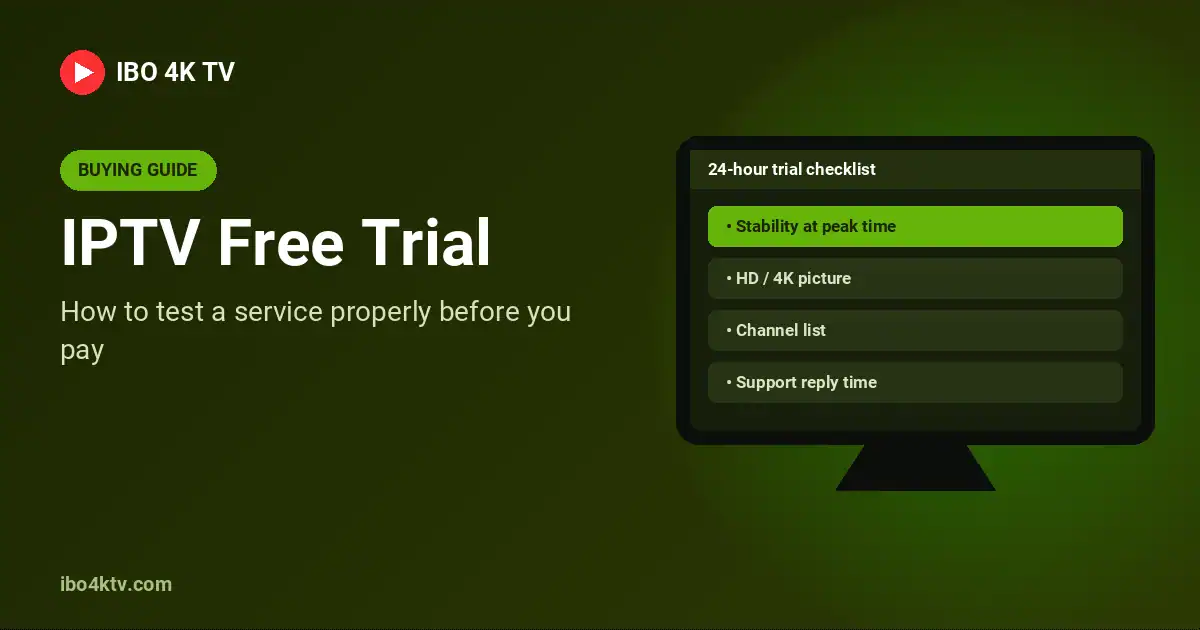
An IPTV free trial is the easiest way to avoid paying for a service that buffers, drops channels or never answers your messages. But a trial only protects you if you use it properly. Most people open a couple of channels for ten minutes and decide on that. This guide shows you how to use a 24-hour trial to test the things that actually matter, and which warning signs to look for before you pay.

Before the trial starts
- Pick the right time. Ask for the trial on a day when you can watch in the evening. Networks are busiest between about 7 pm and 11 pm, and that is when weak services struggle.
- Have your device ready. Install your player app first (IPTV Smarters, TiviMate, IBO Player or similar). Our installation guide covers every common device.
- Check your internet speed. Run a quick test at speedtest.net. Around 10 Mbps is enough for HD; 4K needs 25 Mbps or more. If your own connection is slow, no service will look good.
What to test during your 24 hours
1. Stability at peak time
This is the most important test. Watch one live channel without switching for at least an hour in the evening, ideally a live sports or news channel. Count how many times it freezes or buffers. One short pause can happen; repeated freezing will not get better after you pay.
2. Picture quality
Open a few HD and 4K channels on your biggest screen. Look at fast movement: football, motor racing, action films. Check that the picture is sharp, not blocky, and that the sound stays in sync with the image.
3. The channels you actually watch
Make a short list of the 10 channels you watch most and check each one. A huge channel count means little if your favourites are missing or don’t work. Check the TV guide (EPG) too: is it filled in and accurate?
4. Zapping speed
Switch between channels. A good service opens a channel in one or two seconds. Long black screens every time you change channel get tiring quickly.
5. Support
Send a real question during the trial, such as how to set up a second device, and time the answer. If support is slow when they are trying to win your business, it will not be faster later.
6. Multiple devices
If you plan to watch on the TV and on your phone, test both. Ask clearly how many devices or simultaneous connections your plan allows.
Warning signs before you pay
- No trial and no refund policy. A provider that believes in its service lets you test it. Read the refund conditions before you pay.
- Payment only through untraceable methods. Card or PayPal give you more protection.
- No contact details. You should be able to reach a real person, for example on WhatsApp or by email.
- Prices that change in every message. Prices and plan lengths should be clear and written down.
- Unclear about what you are buying. Make sure the service is clear about what it includes and that it is legal to use where you live.
How the IBO 4K TV free trial works
- Send us a message on WhatsApp and tell us which device you use.
- We send your login details, usually within 15 to 45 minutes.
- You get 24 hours to test everything above, on your own devices, with our help if you need it.
- If you are happy, choose a plan: 1 month, 3, 6 or 12 months. See all prices on the plans page.
Our refund policy explains what happens if something goes wrong after you buy.
Frequently asked questions
Do I need to give card details for the trial?
No. Our trial needs no payment and no card details.
Can I test on more than one device?
Yes. Tell us which devices you want to try and we will help you set them up.
What happens when the trial ends?
The test login simply stops working. Nothing renews automatically.